Open this prototype in Safari on your iPhone.
Select your voice part, sing along and compare three different
choir spacings.
Before you begin
Prepare your AirPods Pro
On your iPhone, open Control Center, then press
and hold the volume slider.
Set Noise Control to
Transparency.
Turn off Conversation Awareness and
Spatialize Stereo.
Use both AirPods Pro, find a quiet place and keep the same device
volume throughout the comparison.
Step 1
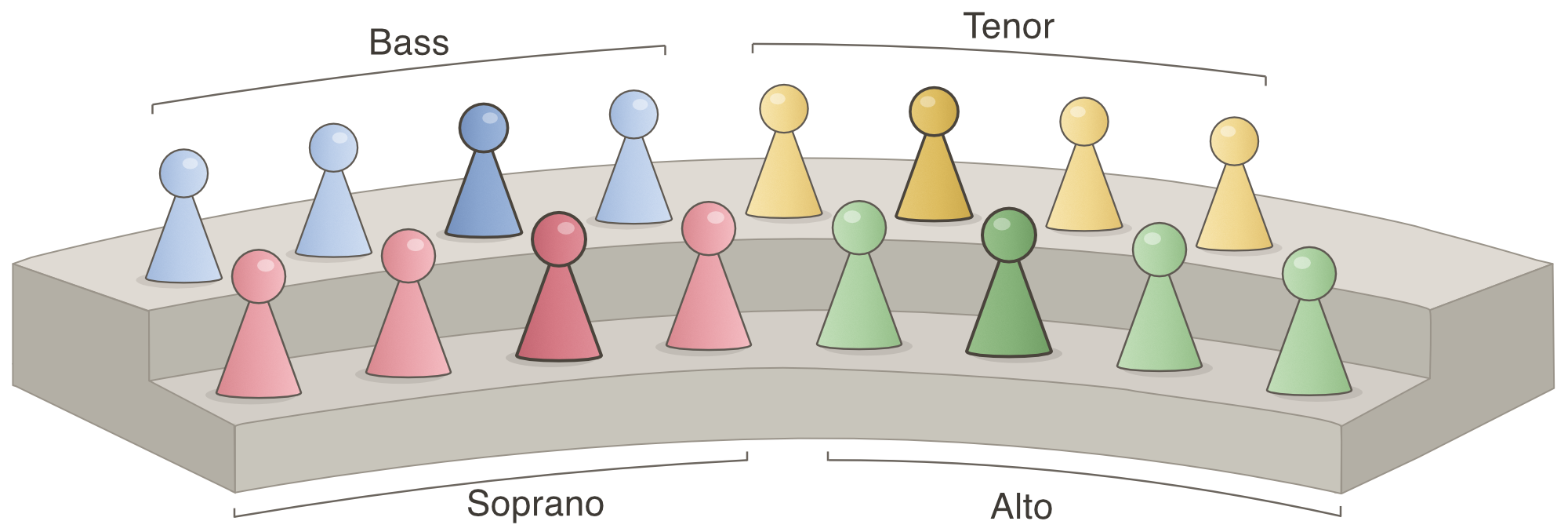
Select your voice part
Choose the part you normally sing.
Step 2
Set your listening level
Play the sample and sing along briefly. Adjust the device volume
until you can hear both yourself and the choir comfortably. Open
the score while singing; it will follow the audio automatically.
Select your voice part first.
Step 3
Compare the three choir spacings
Sing at a comfortable and similar level in all three conditions.
Do not change the device volume. The score follows the current
playback position when you switch between spacings.
Select a choir spacing.
The audio file could not be loaded. Please check your internet
connection and try again.
Finished?
Tell us what you noticed
Your brief feedback will help us understand the experience and
decide what to improve next.